Bring an article, transcript, document, or audio recording you own. Moklex drafts posts with AI for your chosen platforms. A person reviews and accepts each draft before it can be scheduled; add media and schedule your posts in one workspace.
Private beta preview. Drafts and delivery shown here are simulated. AI generation and live publishing depend on enabled services, budgets, and platform permissions.
FROM THE FIRST SPARKTO THE NEXT POST ↗
01 / SOURCE02 / SHAPE03 / SCHEDULE
Actual Moklex beta screens with synthetic content. All delivery shown is simulated.
ONE CONNECTED WORKFLOW
One article. Several posts.
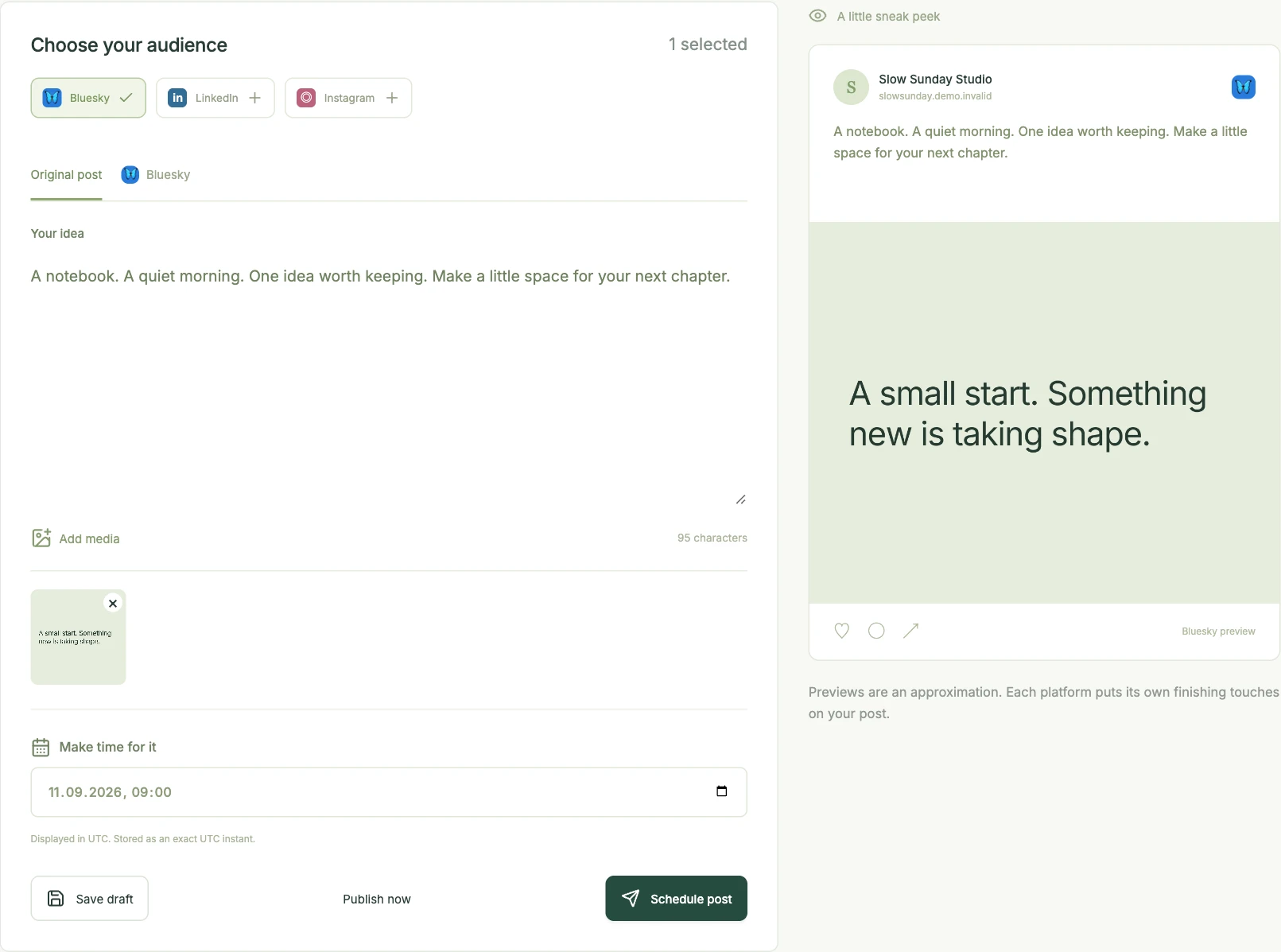
In the demo below, one studio article becomes three editable text drafts. Choose what to keep, refine the wording, and add media before scheduling. The source stays alongside your drafts, so you can check what the AI has written.
A LOOK INSIDE
From source to scheduled post.
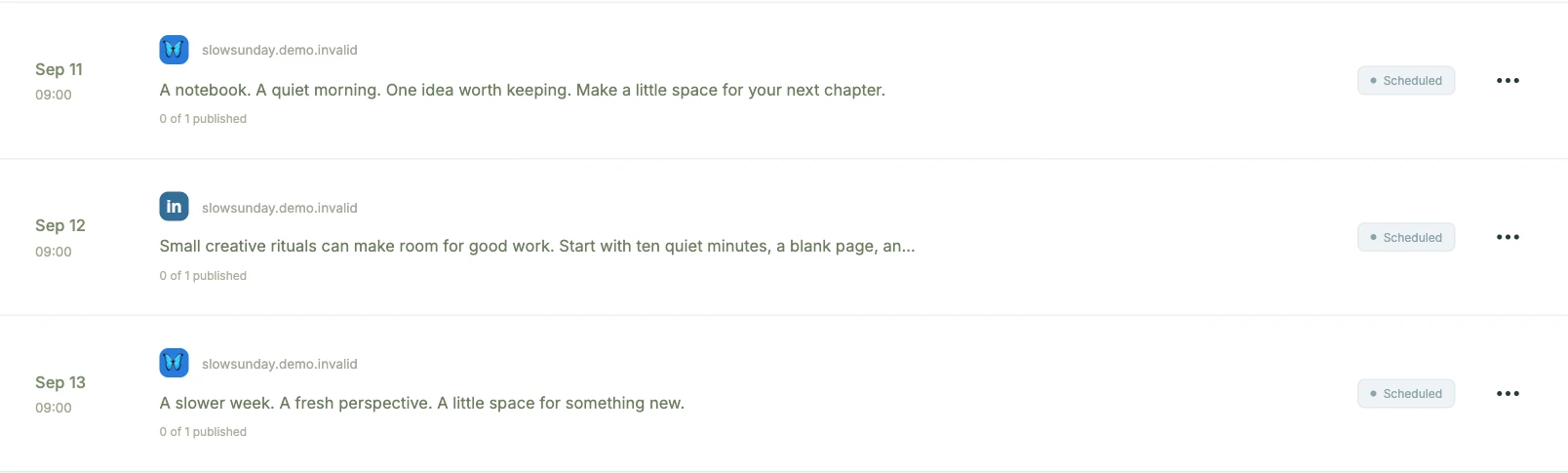
Add a source, generate drafts, and prepare the posts you want to share. You can also write a post directly in Composer.
STEP 01
Add a source and generate drafts.
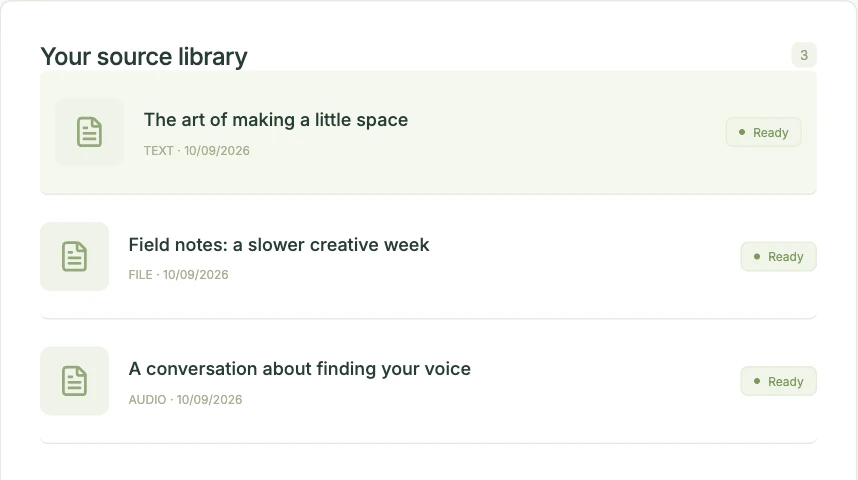
Paste an article link, your notes, or an owned transcript, or upload a document or audio file. Choose your platforms, tone, and number of drafts, then generate a batch.
Use material you have permission to reuse. YouTube link extraction is unavailable. AI writing requires an enabled provider and budget. This preview shows synthetic drafts.
Current beta interface · Synthetic content · Simulated activity
YOUR TASTE. YOUR FINAL SAY.
A starting point. Never the last word.
AI gets the draft moving. You bring the context, the care, and the point of view. Review the source, make your edits, and decide what deserves to be shared.
One workflow for creators, agencies, and developers. Start with the way you already work.
01 / CREATORS
Reuse the material you already make.
Turn an article, recording, or set of notes into several draft posts. Edit each one and add your own media before scheduling.
Source libraryEditable drafts
Available source formats and AI generation depend on the services and budget enabled in your beta setup.
02 / AGENCIES
Keep each workspace’s content together.
Organize sources, accounts, and posts within an organization. Invite teammates as owners or members, and switch between the workspaces you belong to.
Organization workspacesMemberships
The beta has owner and member roles. Dedicated client approval workflows are not included.
03 / DEVELOPERS
Connect the steps to your own tools.
Use REST, MCP, or n8n to ingest sources, generate drafts, create and schedule posts, and check status. Bring source drafts back to the browser for a person to review; accepting a generated draft is browser-only.
RESTMCPn8n
Requires your own configured deployment and scoped credentials. These services and the n8n package are not publicly released. TikTok requires fresh browser consent; direct YouTube automation is disabled pending review.
Publishing availability varies by provider, account permissions, and required approvals. This private preview does not connect accounts or publish posts.